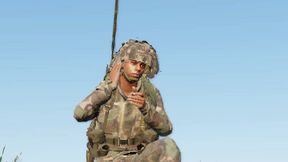
Tepache Radio
627D2E5DC4E6C2AEAbout Tepache Radio
Makes Pssht sound when you use the radio.
Add to Server Config
Copy this JSON snippet and add it to the "mods" array in your server's config.json file:
{
  "modId": "627D2E5DC4E6C2AE",
  "name": "Tepache Radio",
  "version": "1.0.1"
}
Need help? Check our Mod Installation Guide or use the Config Generator.
Related Mods
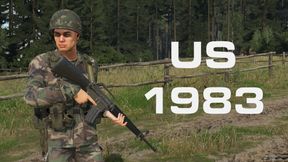
US Forces 1983
Go back in time as the US army from 1983! No M249, M9 or Humvees. The M16 still has the fun switch, and the grunts have M1 steel pots and M1911 handguns. Replaces the vanilla US faction.
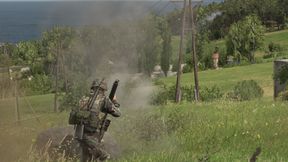
Anti Infantry Rockets
Modifies base rocket class to make AI use RPG and LAW against infantry. May cause funny things to happen with mods!
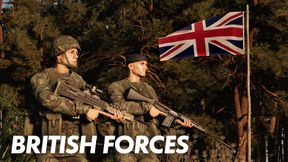
British Forces MANW
Version Locked entry of ‘British Forces’ for Make Arma Not War. If you’re not a judge, please just use the regular ‘British Forces’ mod :)
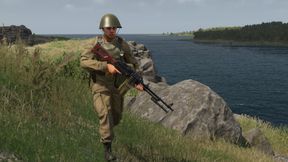
Heavy Support Weapons
Reduces character speed when raised/ADS on larger weapons (machineguns, launchers)
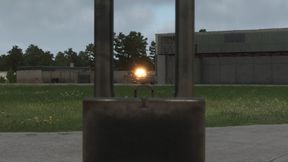
Wayward Rockets
Makes vanilla rockets less accurate. Enjoy!
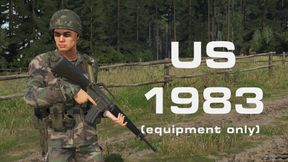
US Equipment 1983
Subset of the US Forces 1983 mod that adds the M1 helmet, M16A1 and M1911 without changing the vanilla faction.
Frequently Asked Questions
How do I install Tepache Radio on my server?
To install Tepache Radio, add its mod ID (627D2E5DC4E6C2AE) to the "mods" array in your server's config.json file. The server will automatically download the mod from the Workshop when it starts.
Can I use Tepache Radio on PS5 or Xbox?
Console compatibility depends on the mod. Check the Workshop page for Tepache Radioto see if it's marked as console-compatible. Some mods with custom scripts may only work on PC.
Does Tepache Radio require other mods?
Check the mod's description above for any mentioned dependencies. Use our Mod Browser to search for and add any required dependencies to your config.