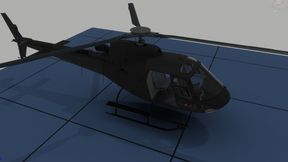
Swoostics PLA z-11 Adjustment
61FB45A2752C2A3EAbout Swoostics PLA z-11 Adjustment
Changes the textures to be gray instead of chinese propaganda.
Add to Server Config
Copy this JSON snippet and add it to the "mods" array in your server's config.json file:
{
  "modId": "61FB45A2752C2A3E",
  "name": "Swoostics PLA z-11 Adjustment",
  "version": "1.0.2"
}
Need help? Check our Mod Installation Guide or use the Config Generator.
Related Mods
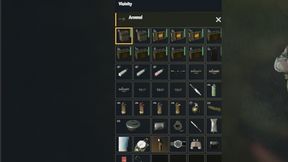
TFB Medical Prototype Edit
took out the nanna nade for tfb.
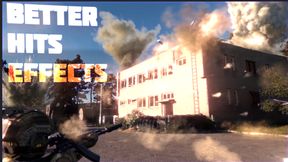
BetterHitsEffects -ABANDONED-
This mod is no longer supported. Please read the description and "Betters Mods" branch on Arma discord server for details. Thank you for everything
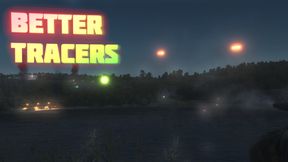
BetterTracers -ABANDONED-
[2025.11.21] - FINAL UPDATE: This mod is no longer supported. Please read the description and "Betters Mods" branch on Arma server for details. Thank you for everything.
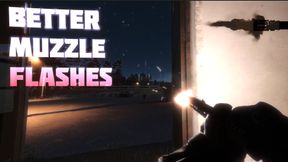
BetterMuzzleFlash -ABANDONED-
Enhance your experience with BetterMuzzleFlashes, offering heightened realism and enhanced visibility for muzzle flashes, accompanied by lifelike smoke effects.
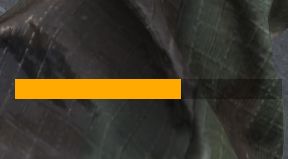
Stamina Bar
FIXED! A stamina bar at the bottom of your screen which visually displays how much stamina your character currently has.
Frequently Asked Questions
How do I install Swoostics PLA z-11 Adjustment on my server?
To install Swoostics PLA z-11 Adjustment, add its mod ID (61FB45A2752C2A3E) to the "mods" array in your server's config.json file. The server will automatically download the mod from the Workshop when it starts.
Can I use Swoostics PLA z-11 Adjustment on PS5 or Xbox?
Console compatibility depends on the mod. Check the Workshop page for Swoostics PLA z-11 Adjustmentto see if it's marked as console-compatible. Some mods with custom scripts may only work on PC.
Does Swoostics PLA z-11 Adjustment require other mods?
Check the mod's description above for any mentioned dependencies. Use our Mod Browser to search for and add any required dependencies to your config.