
FF - RPG - Global Settings
66EE11C156E95DB8About FF - RPG - Global Settings
Global Gas 1x Grass Distance 299m Grass Quality High Distant Shadows Ultra merged
Full Description
Global Gas 1x Grass Distance 299m Grass Quality High Distant Shadows Ultra merged
View on WorkshopAdd to Server Config
Copy this JSON snippet and add it to the "mods" array in your server's config.json file:
{
  "modId": "66EE11C156E95DB8",
  "name": "FF - RPG - Global Settings",
  "version": "1.0.5"
}
Need help? Check our Mod Installation Guide or use the Config Generator.
Related Mods

FF - DeployableFIADroneNBike
Deployable WW2 Bike and FPV Drones for FIA to use in Freedom Fighters.
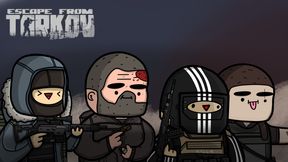
FF - US PMC V1
randomised pmc soldiers replace the us side. desigend for freedom fighter mode.
URAH.io Settings
This Mod adds a tab to the settings screen for all your URAH.io Mod settings.
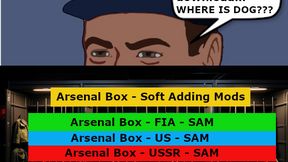
Arsenal Box - Soft Adding Mods
Adds All Weapons and addon weapons into all the arsenals FIA/US/USSR but as an Single Soft Mod. Perfect for PVE or Just having All Items in the Arsenal.
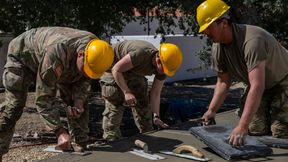
FF - Freedom Engineers
FF - Freedom Engineers This mod Adds many placeables to the shovel using the default FF build system to let the player feel like a Military Construction Force.
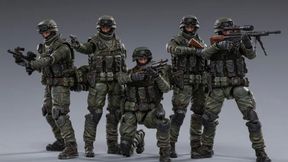
FF - USSR Modern V2
Replaces the USSR Faction Uniform with modern equipment from RHS, adds more ammo to loadouts, more loot to find on USSR. Created for Freedom Fighters Mode to find more loot on USSR.
Frequently Asked Questions
How do I install FF - RPG - Global Settings on my server?
To install FF - RPG - Global Settings, add its mod ID (66EE11C156E95DB8) to the "mods" array in your server's config.json file. The server will automatically download the mod from the Workshop when it starts.
Can I use FF - RPG - Global Settings on PS5 or Xbox?
Console compatibility depends on the mod. Check the Workshop page for FF - RPG - Global Settingsto see if it's marked as console-compatible. Some mods with custom scripts may only work on PC.
Does FF - RPG - Global Settings require other mods?
Check the mod's description above for any mentioned dependencies. Use our Mod Browser to search for and add any required dependencies to your config.