
QuickTVT_Tushino
62B90B8AD9F20EA2About QuickTVT_Tushino
QuickTVT Scenarios variations for Tushino Serious Games community.
Add to Server Config
Copy this JSON snippet and add it to the "mods" array in your server's config.json file:
{
  "modId": "62B90B8AD9F20EA2",
  "name": "QuickTVT_Tushino",
  "version": "0.8.59"
}
Need help? Check our Mod Installation Guide or use the Config Generator.
Related Mods
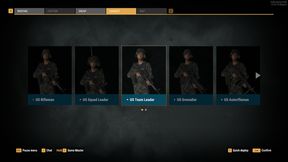
Yet another conflict loadouts
Loadout set and UI tweak to implement loadout system to conflict scenario
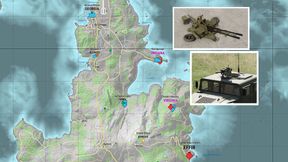
ConflictVariants
Additional smaller Everon and fresh Arland layouts of Conflict scenario Now comes with features like supply vehicle radio, mk19,zu23, tweaked tripod weapons access and what not.

ConflictVariantsRHS
Additional smaller Everon and fresh Arland layouts of Conflict scenario Now comes with features like supply vehicle radio, mk19,zu23, tweaked tripod weapons access and what not.
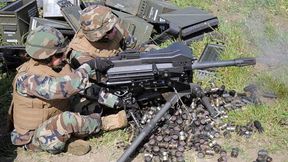
Mk19 Vehicle Mounted on M1025
Mk19 Automatic GL. Reupload with the permission of author Punky.
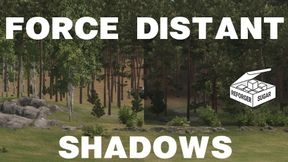
Force Distant Shadows
This addon forces players to have a minimum of low distant shadows setting instead of disabled. Provides realistic level of concealment under the vegetation at distance.
Frequently Asked Questions
How do I install QuickTVT_Tushino on my server?
To install QuickTVT_Tushino, add its mod ID (62B90B8AD9F20EA2) to the "mods" array in your server's config.json file. The server will automatically download the mod from the Workshop when it starts.
Can I use QuickTVT_Tushino on PS5 or Xbox?
Console compatibility depends on the mod. Check the Workshop page for QuickTVT_Tushinoto see if it's marked as console-compatible. Some mods with custom scripts may only work on PC.
Does QuickTVT_Tushino require other mods?
Check the mod's description above for any mentioned dependencies. Use our Mod Browser to search for and add any required dependencies to your config.