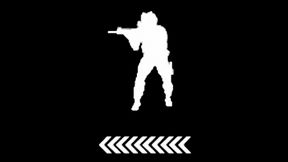
Player Stance Display
64AEB7EA07BA9D5EAbout Player Stance Display
Adds display of the player's body position and current movement speed to the HUD
Full Description
Adds display of the player's body position and current movement speed to the HUD
View on WorkshopAdd to Server Config
Copy this JSON snippet and add it to the "mods" array in your server's config.json file:
{
  "modId": "64AEB7EA07BA9D5E",
  "name": "Player Stance Display",
  "version": "1.0.2"
}
Need help? Check our Mod Installation Guide or use the Config Generator.
Related Mods
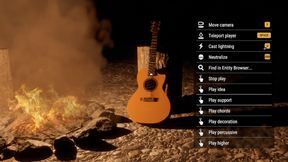
GM Interactable Instruments
Adds the ability for the GameMaster to play melodies using instruments like guitar, piano, and organ.
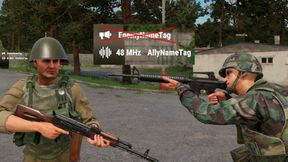
Disable Enemy Proximity VON UI
Disabling enemy direct Voice over Network UI icons
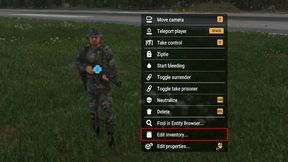
Edit Entity Inventory
Allowing GameMaster to edit entity inventory from context menu
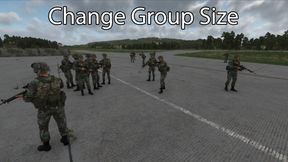
Change Player Group Size
This mod allows you to change the players group size.
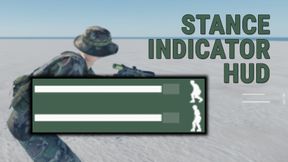
Stance Indicator HUD
Lightweight HUD element that shows up whenever the character's movement speed or stance changes. Displays the current adjusted stance and movement speed value for a brief duration then fades away.
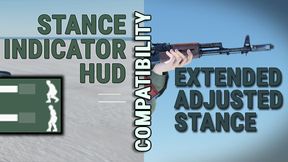
Extended Stance Indicator
Compatibility support for Extended Adjusted Stance and Stance Indicator HUD addons.
Frequently Asked Questions
How do I install Player Stance Display on my server?
To install Player Stance Display, add its mod ID (64AEB7EA07BA9D5E) to the "mods" array in your server's config.json file. The server will automatically download the mod from the Workshop when it starts.
Can I use Player Stance Display on PS5 or Xbox?
Console compatibility depends on the mod. Check the Workshop page for Player Stance Displayto see if it's marked as console-compatible. Some mods with custom scripts may only work on PC.
Does Player Stance Display require other mods?
Check the mod's description above for any mentioned dependencies. Use our Mod Browser to search for and add any required dependencies to your config.