
Persistence Force-Autoload
66C303D61F2F01C4About Persistence Force-Autoload
Override for Conflict Game Mode to force-autoload the previous savegame for the current scenario.
Full Description
Override for Conflict Game Mode to force-autoload the previous savegame for the current scenario.
View on WorkshopAdd to Server Config
Copy this JSON snippet and add it to the "mods" array in your server's config.json file:
{
  "modId": "66C303D61F2F01C4",
  "name": "Persistence Force-Autoload",
  "version": "1.0.0"
}
Need help? Check our Mod Installation Guide or use the Config Generator.
Related Mods
MercOut Essentials
Curated pack of primarily QOL and content mods to serve as the baseline experience for the MercOut! game mode.

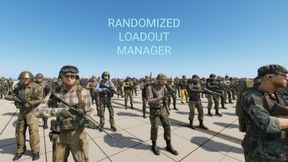
Randomized Loadout Manager
Randomized Loadout Manager Random loadouts and loot for players and Scav-like AIs/NPCs Utility for modders, does nothing by itself. Requires Workbench integration into scenario/game mode.
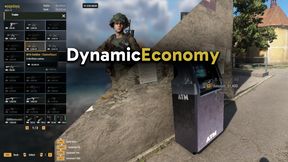
DynamicEconomy
Conflict-compatible economy system with cash, banking/ATMs and traders/shops. See readme for instructions: https://github.com/wyqydsyq/DynamicEconomy

Persistence Force-Autoload-GM
Override for GameMaster Game Mode to force-autoload the previous savegame for the current scenario.
Frequently Asked Questions
How do I install Persistence Force-Autoload on my server?
To install Persistence Force-Autoload, add its mod ID (66C303D61F2F01C4) to the "mods" array in your server's config.json file. The server will automatically download the mod from the Workshop when it starts.
Can I use Persistence Force-Autoload on PS5 or Xbox?
Console compatibility depends on the mod. Check the Workshop page for Persistence Force-Autoloadto see if it's marked as console-compatible. Some mods with custom scripts may only work on PC.
Does Persistence Force-Autoload require other mods?
Check the mod's description above for any mentioned dependencies. Use our Mod Browser to search for and add any required dependencies to your config.