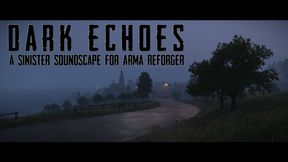
Dark Echoes
658B25CD90247D38About Dark Echoes
Dark Echoes - a sinister soundscape for Arma Reforger
Add to Server Config
Copy this JSON snippet and add it to the "mods" array in your server's config.json file:
{
  "modId": "658B25CD90247D38",
  "name": "Dark Echoes",
  "version": "1.0.10"
}
Need help? Check our Mod Installation Guide or use the Config Generator.
Related Mods
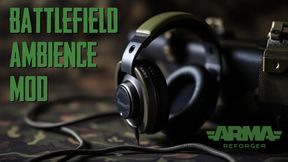
Battlefield Ambience Mod
Battlefield Ambience Mod aims to enhance the game's audio environment, adding distant sounds of war to create a more immersive and realistic experience.
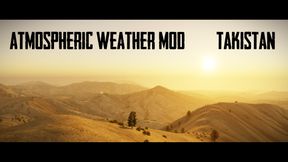
AWM Middle Eastern Version
An Atmospheric Weather Mod for Middle Eastern style terrains.
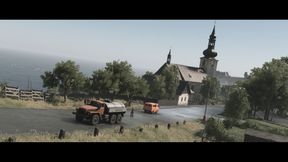
Cold War Colour
Cold War Colour adds a new colour palette for Arma Reforger. Inspired by the Cold War overlay found in Arma Vision.
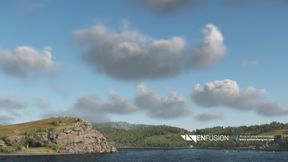
New Volumetric Clouds
Modifies the volumetric clouds for Arma Reforger. Current build only supports the Cloudy weather state. Clear, Overcast and Rainy weather states all still use vanilla values.
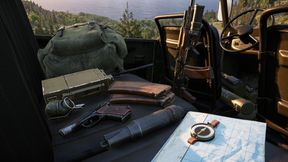
Tactile Sound Enhancement
A comprehensive enhancement of all tactile sounds associated with weapons handling, medical application and inventory management.
Frequently Asked Questions
How do I install Dark Echoes on my server?
To install Dark Echoes, add its mod ID (658B25CD90247D38) to the "mods" array in your server's config.json file. The server will automatically download the mod from the Workshop when it starts.
Can I use Dark Echoes on PS5 or Xbox?
Console compatibility depends on the mod. Check the Workshop page for Dark Echoesto see if it's marked as console-compatible. Some mods with custom scripts may only work on PC.
Does Dark Echoes require other mods?
Check the mod's description above for any mentioned dependencies. Use our Mod Browser to search for and add any required dependencies to your config.