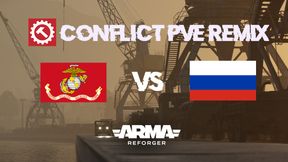
ConflictPVERHS
60FE751267F03779About ConflictPVERHS
CTI gamemode. Work together as a team to take back Everon! USMC Vs AFRF
Full Description
CTI gamemode. Work together as a team to take back Everon! USMC Vs AFRF
View on WorkshopAdd to Server Config
Copy this JSON snippet and add it to the "mods" array in your server's config.json file:
{
  "modId": "60FE751267F03779",
  "name": "ConflictPVERHS",
  "version": "0.0.18"
}
Need help? Check our Mod Installation Guide or use the Config Generator.
Related Mods
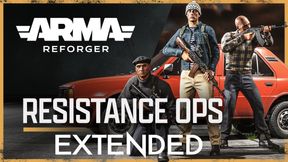
CombatOps Extended
On the island of Everon, the local resistance has been beaten into submission by the invading Soviet forces - but they will not accept defeat sitting down.
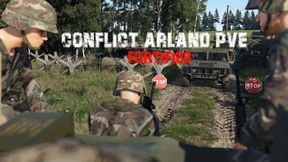
Fortified Conflict Arland PVE
CTI Fortified Arland with a large amount of enemy AI. Credits to Gramps303 for his AI setup.
ConflictPVE RUF RHS
CTI Everon PVE Mission AFRF Vs USMC (AI)
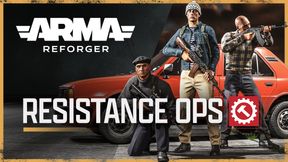
CombatOps RHS Everon
The FIA Resistance is tasked with taking out as much Russian precence as possibleon Everon. You can now gather supplies and bring them back to your hideout to use the arsenal in the "Supply" gamemode.
TC Patches W.C.S Addon
Small quick patch that adds ThirstyCrew patches to the W.C.S Arsenal. Intended for use on W.C.S ThirstyCrew server.
ThirstyCrew Patches
Specialized customs patches for the ThirstyCrew.
Frequently Asked Questions
How do I install ConflictPVERHS on my server?
To install ConflictPVERHS, add its mod ID (60FE751267F03779) to the "mods" array in your server's config.json file. The server will automatically download the mod from the Workshop when it starts.
Can I use ConflictPVERHS on PS5 or Xbox?
Console compatibility depends on the mod. Check the Workshop page for ConflictPVERHSto see if it's marked as console-compatible. Some mods with custom scripts may only work on PC.
Does ConflictPVERHS require other mods?
Check the mod's description above for any mentioned dependencies. Use our Mod Browser to search for and add any required dependencies to your config.