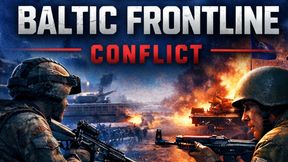
BF_LoadingScreen
6886CD8B233A084FAbout BF_LoadingScreen
[EU] Baltic FrontLine Conflict - Loading Screen Mod
Add to Server Config
Copy this JSON snippet and add it to the "mods" array in your server's config.json file:
{
  "modId": "6886CD8B233A084F",
  "name": "BF_LoadingScreen",
  "version": "1.0.3"
}
Need help? Check our Mod Installation Guide or use the Config Generator.
Related Mods
Baltic FrontLine Conflict MAP
Baltic Frontline Conflict – EU PvP server. Two sides fight to push the frontline and defeat the enemy. New players welcome!
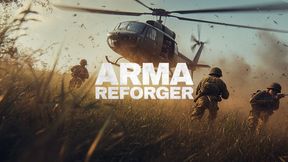
AI_Sandbox
Infiltrate the town and defeat the AI in this PVE COOP Sandbox experience! (GAME DOES NOT END)
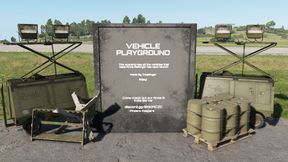
Vehicle Playground
A scenario where you can try out all the vehicles that are present in Arma Reforger. There is also a firing range where you can test out the vehicles and a playground for the kids! Officially Released! Updated 05/20/22 discord.gg/mC9VMqRCM2
NightOps - Everon 1985
- coop for 1-8 players - 3-5 missions tutorial-campaign - custom loadouts - dynamic task handling - vehicle & dynamic respawns - diverse and feature-rich coop-missions - sourcode public for tutorial purpose
Game Master FX
Adds explosions, fire, parachute flare and smoke effects to Game Master
Frequently Asked Questions
How do I install BF_LoadingScreen on my server?
To install BF_LoadingScreen, add its mod ID (6886CD8B233A084F) to the "mods" array in your server's config.json file. The server will automatically download the mod from the Workshop when it starts.
Can I use BF_LoadingScreen on PS5 or Xbox?
Console compatibility depends on the mod. Check the Workshop page for BF_LoadingScreento see if it's marked as console-compatible. Some mods with custom scripts may only work on PC.
Does BF_LoadingScreen require other mods?
Check the mod's description above for any mentioned dependencies. Use our Mod Browser to search for and add any required dependencies to your config.